Google Search Console: Redirect and Canonical Issues Explained
How to interpret Page with redirect and Alternate page with proper canonical tag in Google Search Console, verify the affected URLs, and avoid unnecessary SEO changes.
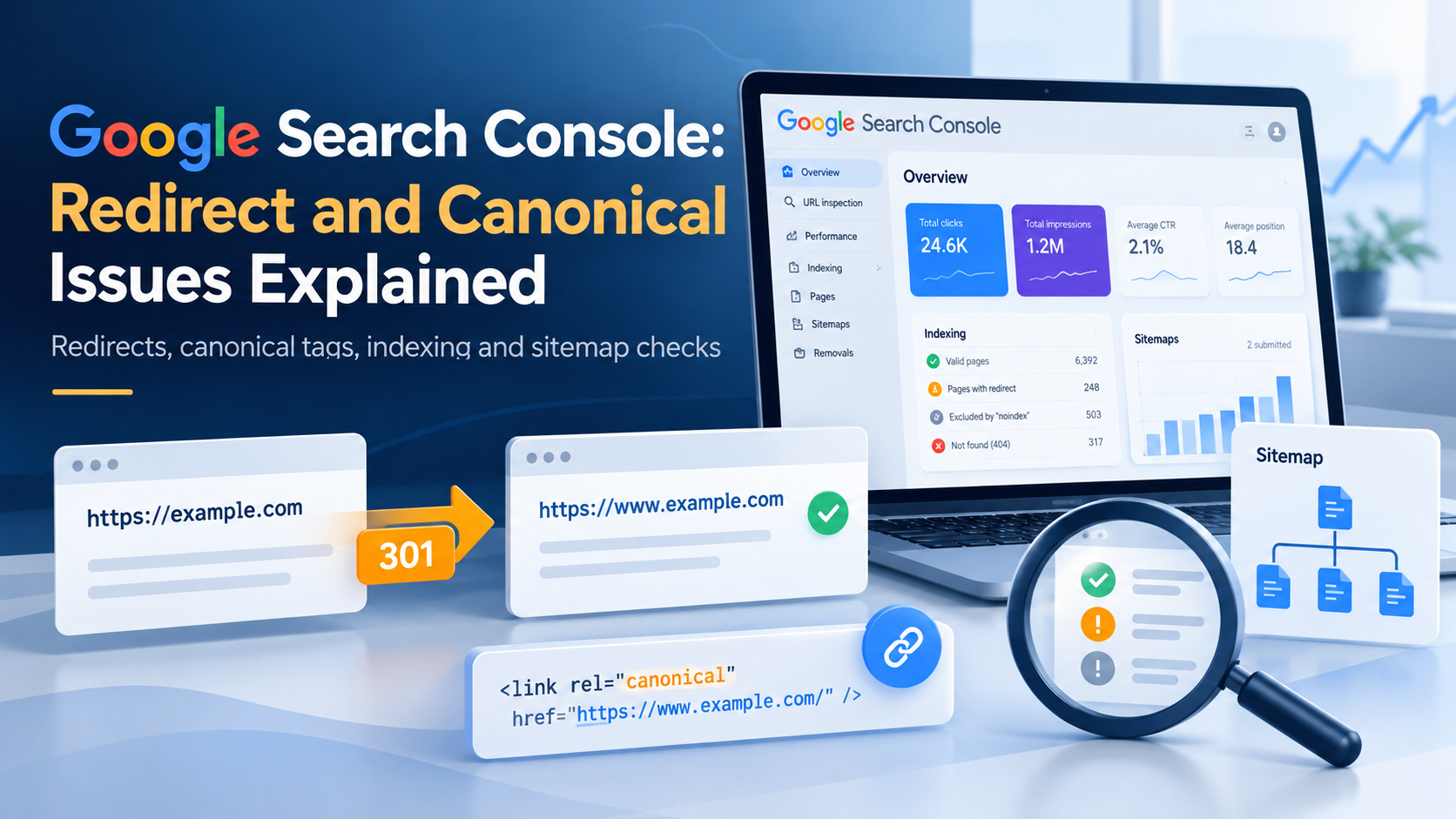
An indexing warning in Google Search Console does not always mean a broken website. Two of the most confusing statuses are Page with redirect and Alternate page with proper canonical tag. Both can describe normal behavior on a correctly configured site.
On October 22, 2026, Search Console sent me notifications for three sites I monitor: ta551.info, siteprobelab.com, and frattina10dream.com. The notices reported redirect-related exclusions for the latter two sites and an alternate-page canonical exclusion for TA551.
Those emails identify a reason to investigate, not proof of a technical defect. To know whether a fix is required, we need to examine the specific URLs, the site’s intended URL policy, and the signals Google actually sees.
1. What does “Page with redirect” mean?
A redirected URL sends the browser or crawler to another URL. Common intentional examples include:
- HTTP redirected to HTTPS.
- The www hostname redirected to the preferred non-www hostname.
- An old article redirected to its replacement.
- A renamed URL redirected to its permanent location.
For example, a site may intentionally redirect the HTTP homepage to the secure HTTPS version:
http://example.com/ -> https://example.com/
When Google follows a redirect, it will generally consider the destination rather than the redirecting URL for indexing. The original URL may appear in Search Console as Page with redirect, even when the configuration is correct.
The important question is not “How do I make every redirected URL indexed?” It is “Does this URL go to the correct, accessible destination?”
Investigate further if a critical page redirects unexpectedly, creates a loop, ends in a 404/5xx response, or points to unrelated content.
2. What does “Alternate page with proper canonical tag” mean?
Some websites expose the same or substantially similar content at more than one URL. A canonical element identifies the preferred version.
For example:
<link rel="canonical" href="https://example.com/services/">
If Google accepts that signal, the alternate URL may not be indexed separately. Its report status can be Alternate page with proper canonical tag.
That is often expected. The canonical tag is a strong preference signal, not an absolute command: Google may select a different canonical based on redirects, internal links, page content, and other signals.
An incorrect canonical is more serious. If a valuable article points to the homepage or to another unrelated URL as canonical, Google might not index the article independently.
For TA551, the October 22 notification alone did not show which URL had the alternate-page status or whether that selection was correct. Inspecting the individual URL is necessary before modifying canonical markup.
3. A read-first troubleshooting workflow
My preferred workflow collects evidence before applying changes.
Step 1 — Record the affected URLs
In Google Search Console, open Indexing → Pages and select the relevant reason. Save a few example URLs and note their intended role:
- Is the URL supposed to be public and indexed?
- Is it an older address that should redirect?
- Does it duplicate a preferred URL?
- Which version should visitors and search engines ultimately use?
Do not assume that the number of “not indexed” pages equals the number of broken pages.
Step 2 — Verify redirect behavior
Use curl against the exact URL shown in the report:
curl -I http://example.com/
curl -I https://www.example.com/
curl -IL https://example.com/old-page
The -I option retrieves response headers and -L follows redirects. Inspect the HTTP status, Location header, number of hops, and final destination.
For 301 or 308 responses, verify that the permanent redirect is intentional. A 302 or 307 may also be legitimate depending on the purpose of the change.
Some servers treat HEAD requests differently from GET. If the output looks inconsistent, repeat the test with a normal GET request instead of relying solely on the headers.
Step 3 — Check the canonical in the final HTML
View the source of the destination page and find the canonical declaration.
Confirm that it:
- Uses the intended hostname and HTTPS protocol.
- Points to a URL serving equivalent content.
- Agrees with the site’s redirect policy.
- Points to an accessible destination.
- Does not contradict the preferred URL listed in the sitemap.
For a page that should be indexed as its own destination, a self-referencing canonical is normally a useful, consistent signal.
Step 4 — Compare the XML sitemap
The XML sitemap should primarily list canonical, indexable destination URLs, not redirected or duplicate variants.
For a site with both a portfolio and a blog, check that links across the sections follow the same preferred URL policy. A blog sitemap and a main sitemap can coexist, but the canonical URLs in each should be coherent.
Step 5 — Inspect the URL in Search Console
Use URL Inspection to examine the reported URL. Compare the user-declared canonical with Google’s selected canonical when that information is available.
Remember that a successful HTTP 200 response or submitted sitemap does not prove a page is indexed. Impressions, clicks, and indexed status are also separate measures.
4. When should I fix the issue?
A correction is justified when evidence shows a conflict between the intended URL structure and the observed behavior.
| Finding | Suggested action |
|---|---|
| HTTP and www variants redirect to the chosen HTTPS hostname | Usually no change needed |
| An obsolete URL permanently redirects to its correct replacement | Usually no change needed |
| The sitemap contains URLs that redirect unnecessarily | Update sitemap entries |
| An article points its canonical at an unrelated page | Correct the canonical |
| A redirect loops or ends in an unavailable destination | Repair the redirect chain |
| An alternate URL duplicates the intended canonical page | Usually no change needed |
Google’s own documentation advises keeping canonical signals consistent. Redirects, canonical annotations, sitemap inclusion, and internal links should not suggest contradictory preferred URLs.
5. Lessons from a multi-site SEO workflow
A central challenge in monitoring several websites is that the same report status may have very different meanings.
One site may use intentional domain consolidation; another may have recently renamed pages; a third may have inconsistent template metadata.
An automated monitor is useful for finding changes, but it should not silently turn every warning into a claim that a website is malfunctioning. A good report distinguishes:
- Observed signal — what Search Console reported.
- Verified behavior — what the actual URL and HTTP response demonstrate.
- Expected behavior — what the site owner intended.
- Decision — no change, fix, or monitor.
That evidence-first separation is also central to my Hermes multi-site SEO audit case study.
Conclusion
“Page with redirect” and “Alternate page with proper canonical tag” are often normal indexing exclusions.
Before changing a site, verify the affected URL, inspect the redirects and canonical tag, review the sitemap and internal links, and compare the result with the website’s intended structure.
The goal is correct indexing of preferred pages, not zero exclusions in a dashboard.
References
TA551 / RELATED
Related articles
Automation
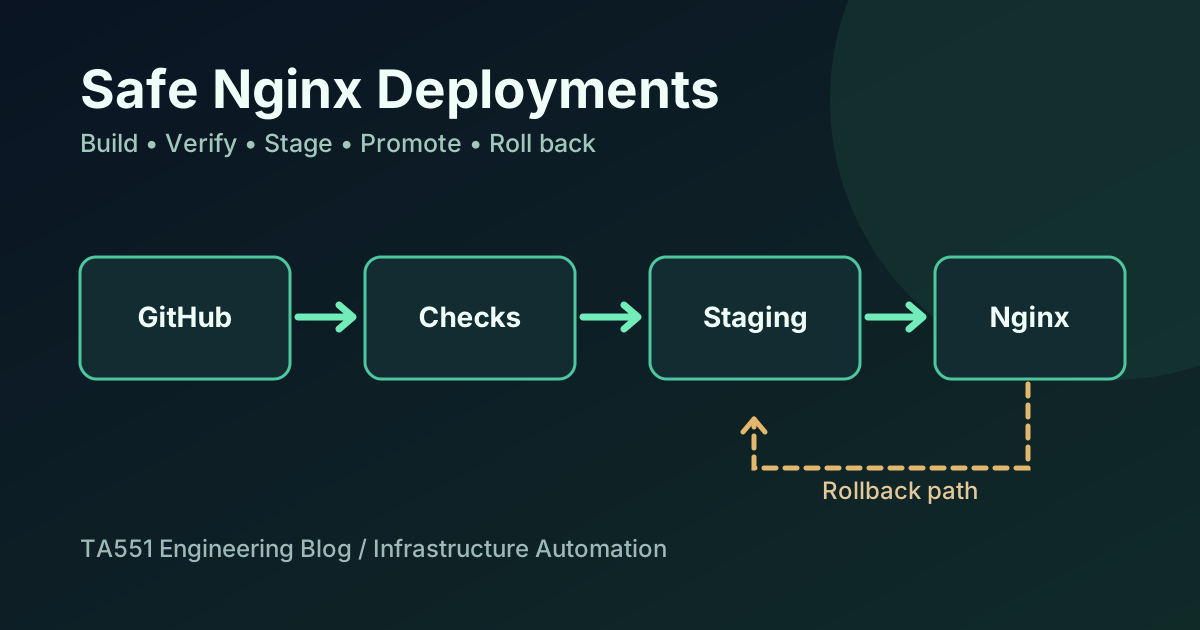
Safe Nginx Deployments with GitHub Actions and Rollback
An engineering case study of how I staged and verified a blog and portfolio update on a shared Nginx VPS without overwriting unrelated websites or API routes.
Automation
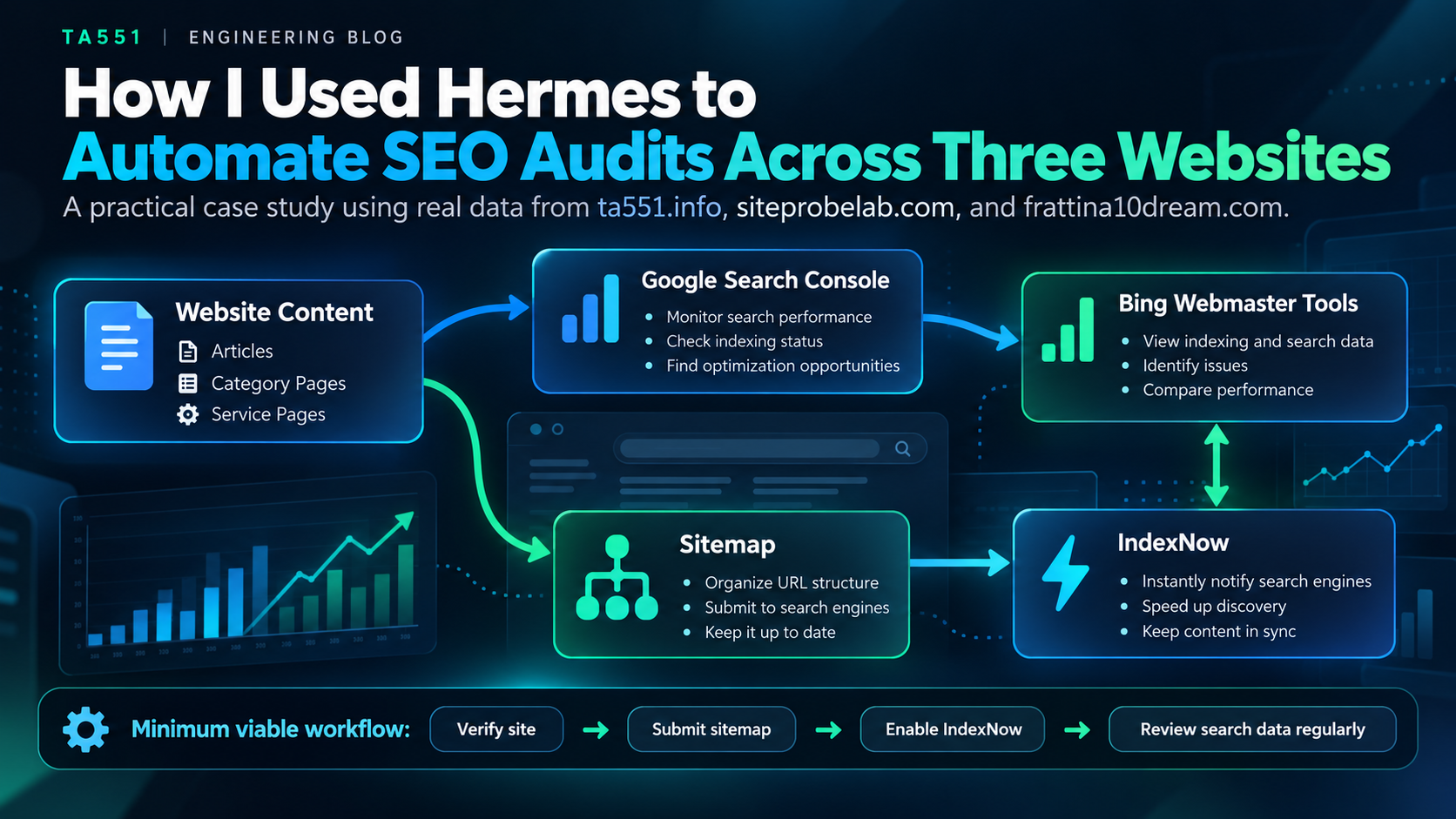
How I Used Hermes to Automate SEO Audits Across Three Websites
A real-world read-only SEO audit workflow using Hermes and SEO MCP to compare sitemaps, URL indexing, and search visibility across three websites.
Linux
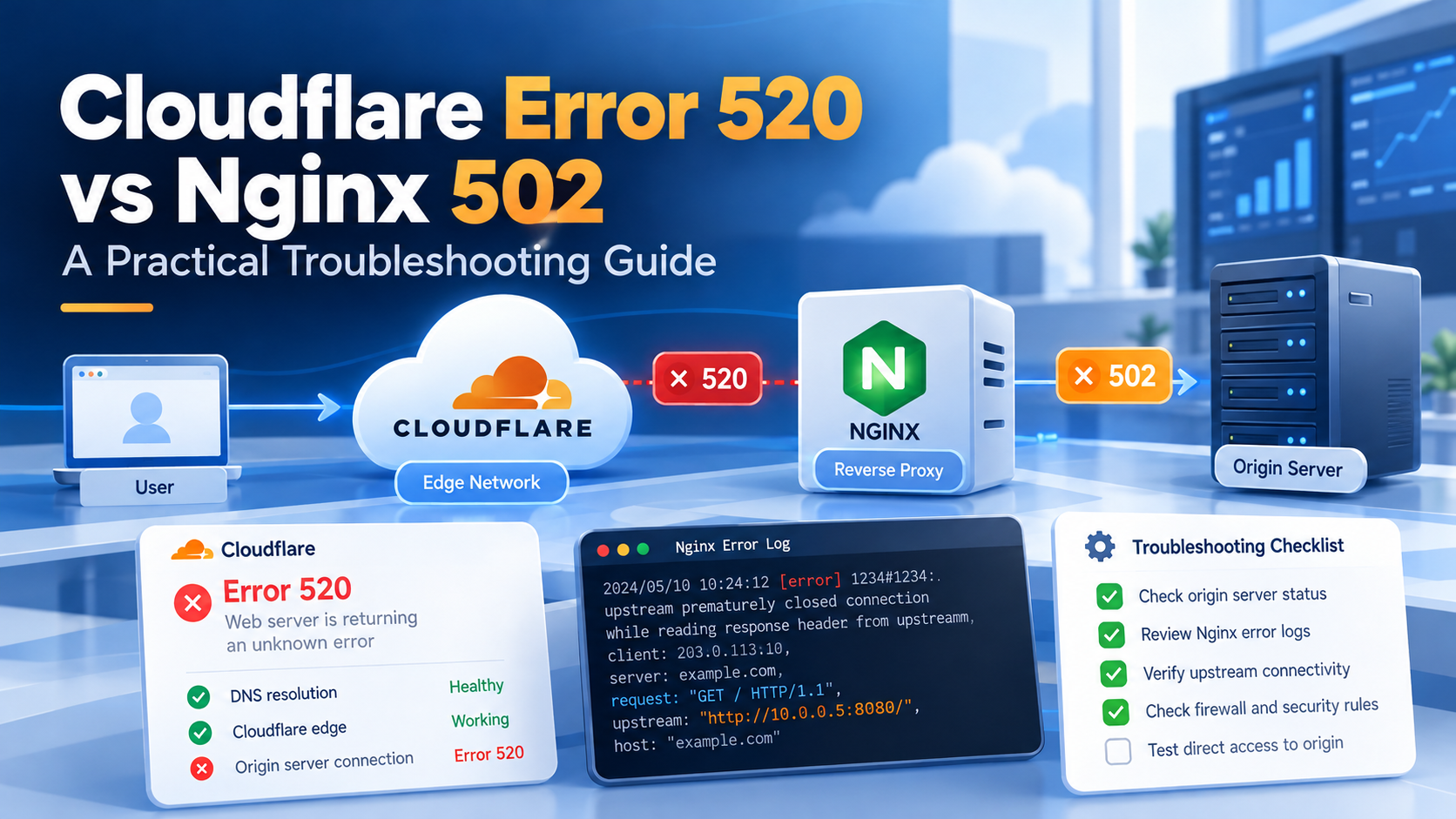
Cloudflare Error 520 vs Nginx 502: A Practical Troubleshooting Guide
A read-first diagnostic guide to Cloudflare Error 520 and Nginx 502 responses, including origin health, upstream checks, safe curl tests, logs, and post-change verification.