Building an Azure DevOps Lab with Terraform, Ubuntu and Docker
A hands-on Azure case study: provisioning an Ubuntu VM with Terraform, resolving provider registration and VM SKU restrictions, using secure SSH, and verifying an Nginx container with Docker Compose.
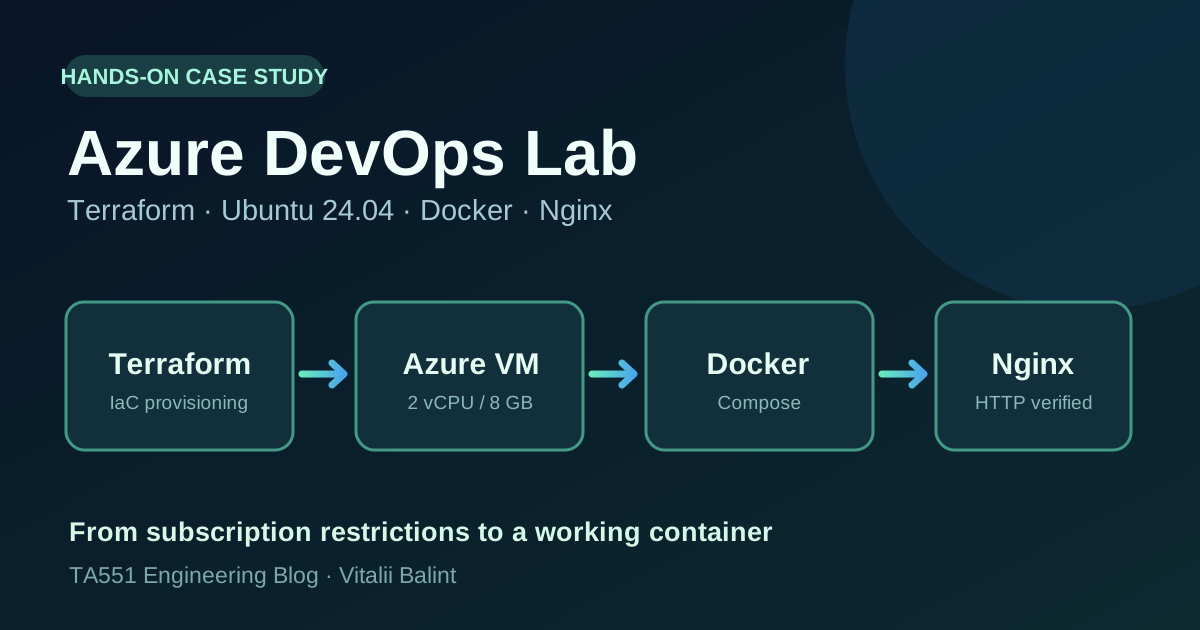
An infrastructure diagram is useful, but a running system tells a better story. I built this Azure lab to refresh my cloud administration skills and create a small, reproducible environment for future DevOps and security exercises.
The result was a working Ubuntu 24.04.5 LTS VM provisioned with Terraform, accessed through SSH, and running an Nginx container under Docker Compose. The most instructive part was not the final container: it was navigating Azure subscription restrictions, provider registration, VM availability, network access, and cost controls.
This is a personal, authorized learning environment—not a production deployment or a high-availability design. Each result below is limited to what I actually tested.
Lab architecture and scope
The configuration I verified consisted of:
- Azure region: North Central US, after evaluating other US regions.
- Compute: Standard_B2as_v2, 2 vCPU and 8 GB RAM, Ubuntu 24.04 LTS.
- Network: Resource Group, VNet
10.30.0.0/16, Subnet10.30.1.0/24, NSG, NIC, and Standard public IP. - Access: SSH key authentication, Azure Bastion Developer for an initial browser session, then Windows Terminal SSH with a source-IP-restricted NSG rule.
- Application: Docker Engine, Docker Compose, and
nginx:stable-alpinebound to VM loopback on port 8080. - Provisioning: Terraform 1.16.6 with the AzureRM provider, initialized, validated, planned, and applied in stages.
I kept the early East US 2 test resources in a separate Terraform state instead of rewriting that region’s existing VNet when a different VM region became necessary. This avoided an accidental cross-region replacement.
Challenge 1: Azure resource provider registration
My first Virtual Network deployment failed with an Azure response:
409 Conflict — MissingSubscriptionRegistration:
The subscription is not registered to use namespace 'Microsoft.Network'.
The Terraform syntax had already passed terraform validate; the failure came from the Azure subscription’s resource-provider state.
I registered the required namespace with Azure CLI:
az provider register --namespace Microsoft.Network --wait
az provider show --namespace Microsoft.Network --query registrationState -o tsv
Once it reported Registered, Terraform created the VNet and Subnet. Later I had to register Microsoft.Compute as well. A valid Terraform plan is not a guarantee that Azure will accept a deployment.
Challenge 2: VM sizes are subscription- and region-specific
My initial choice was Standard_B1s in East US 2. Azure reported:
NotAvailableForSubscription, type: Location, locations: eastus2
Even after registering Microsoft.Compute, that SKU remained restricted. To avoid guessing, I checked the eligible B-series sizes across several regions with az vm list-skus and then examined vCPU quotas.
The North Central US results included Standard_B2as_v2 without a SKU restriction. The regional vCPU quota was 4, the Basv2 family quota was 4, and usage was 0 before VM creation. A 2-vCPU VM therefore fit the reported quota; actual capacity would still be verified by provisioning.
The broader lesson: resource provider registration, SKU restrictions, and quota limits are three different checks.
Challenge 3: Building and validating infrastructure incrementally
I used separate Terraform steps rather than creating everything at once.
First came the Resource Group. Next came the Virtual Network and Subnet, then the Network Security Group and its subnet association. Only after those deployments were verified did I add the VM, NIC and public IP.
Representative checks:
terraform fmt
terraform validate
terraform plan
terraform apply
The network deployment finished with 2 added, 0 changed, 0 destroyed; the security stage added another two resources. The VM stage also completed with 3 added, 0 changed, 0 destroyed.
The successful deployment created vm-ubuntu-devops-lab in North Central US. These apply summaries are evidence of the individual steps, not evidence of a complete production-ready infrastructure.
Connecting to Ubuntu without a permanently open SSH rule
I initially logged into the VM through Azure Bastion Developer using an SSH private key. I also tested a direct connection from Windows Terminal using a temporary NSG rule restricted to my current public IPv4 address.
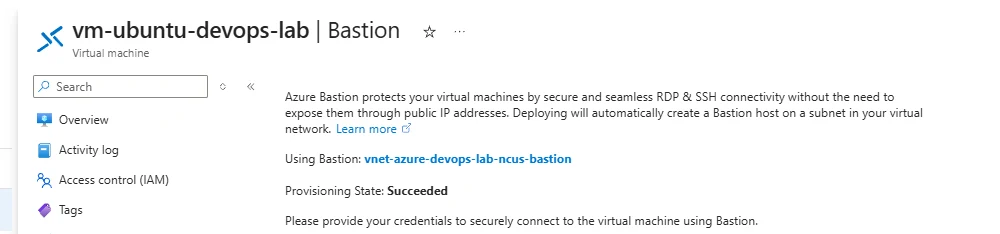
Figure 1. Actual cropped Azure Portal screenshot: Bastion provisioning succeeded for my Ubuntu VM.
SSH password authentication was disabled in the Terraform VM definition. I did not leave an unrestricted 0.0.0.0/0 inbound SSH rule open.
One operational caveat: the temporary SSH rule was created through Azure CLI rather than Terraform. That introduces the possibility of configuration drift, so my next iteration will move the access rule into code or remove it entirely after each session.
In Ubuntu, I verified:
Ubuntu 24.04.5 LTS
CPU: 2
RAM: 7.7 GiB total, 7.2 GiB available
Root filesystem: 30G, about 29G free
Private IPv4: 10.30.1.4
I also checked the VM’s default route and confirmed HTTPS connectivity to Ubuntu’s package archive and Docker’s download endpoint.
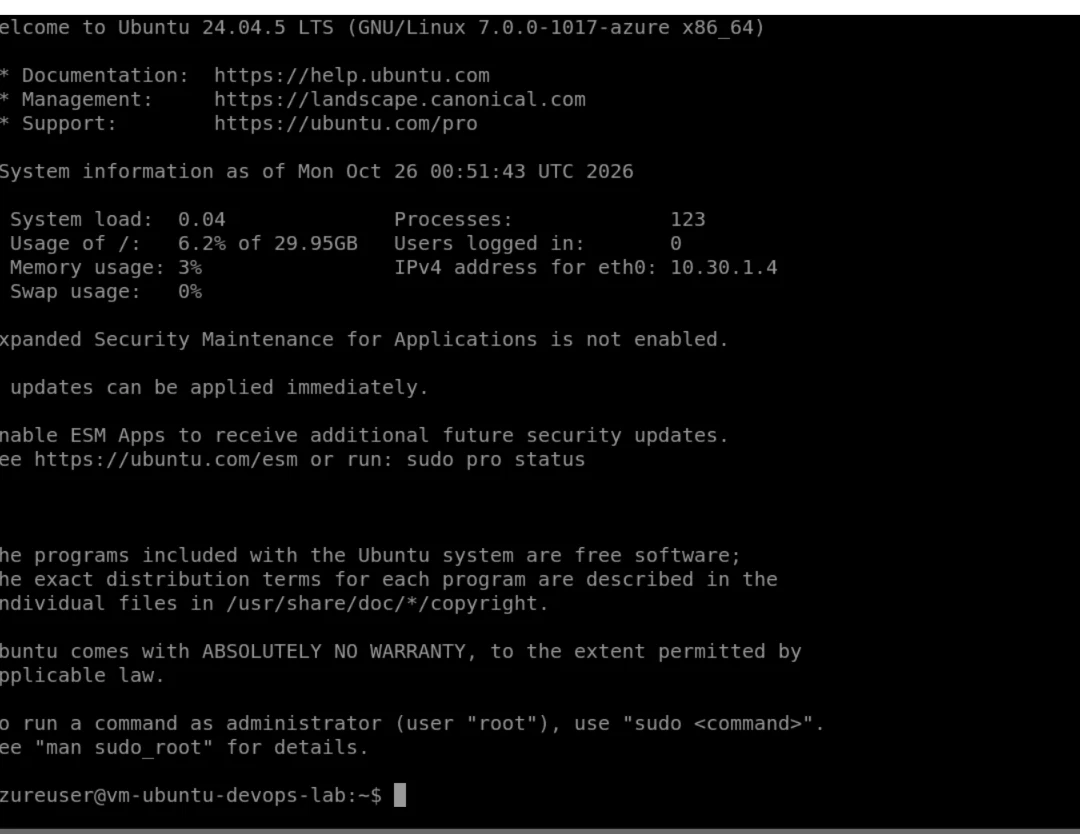
Figure 2. Actual cropped Ubuntu 24.04.5 LTS terminal screenshot from the Azure Bastion session.
Docker Engine and Compose: an end-to-end check
After installing Docker Engine and the Compose plugin from the official Docker repository, the first runtime test returned the expected:
Hello from Docker!
Next I created a small static HTML page and this minimal compose.yaml:
services:
  nginx:
    image: nginx:stable-alpine
    container_name: devops-nginx
    ports:
      - "127.0.0.1:8080:80"
    volumes:
      - ./html:/usr/share/nginx/html:ro
    restart: unless-stopped
That loopback binding matters. Docker published the service only on 127.0.0.1:8080 inside the VM, not to the public internet. The demonstration did not require an open inbound web port.
I then ran:
sudo docker compose config
sudo docker compose up -d
sudo docker compose ps
curl -fsS http://127.0.0.1:8080
Compose reported the devops-nginx container Up, mapped to 127.0.0.1:8080->80/tcp. The HTTP request returned my page:
<h1>Azure DevOps Lab is Running!</h1>
<p>Ubuntu 24.04 + Docker + Nginx</p>
<p>Infrastructure deployed with Terraform.</p>
That is the key verified result: Terraform-provisioned Azure infrastructure, a reachable Linux VM, and an Nginx container serving a real HTTP response.
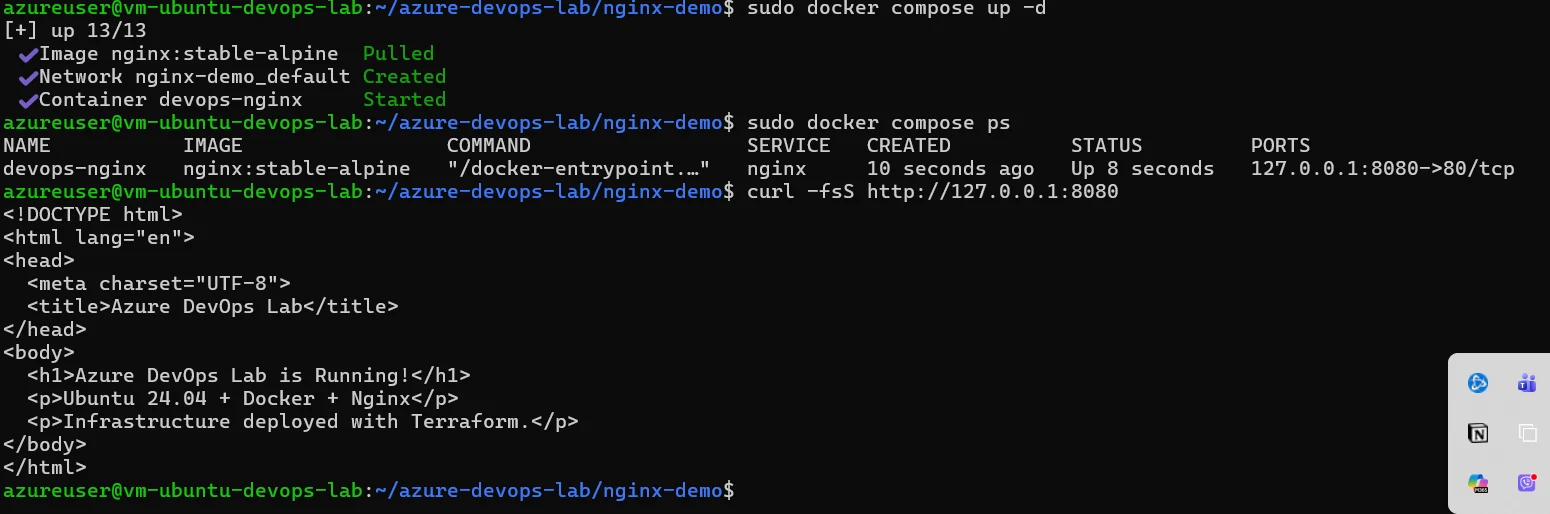
Figure 3. Actual cropped Windows Terminal screenshot: Docker Compose reports the Nginx container running, and curl returns the HTML page.
Cost controls are part of the engineering work
I used an Azure Free Trial carrying a $200 promotional credit. Before the VM deployment, I queried Azure’s Retail Prices API for the exact SKU and region. The returned Virtual Machines Basv2 Series Linux compute rate was $0.0752/hour at the time of the check.
That hourly figure is not an all-in price: the managed OS disk, Standard public IP, outbound networking, and any additional services can have separate costs. Promotional credit is also time-limited and should not be treated as a permanent free tier.
The plan is to deallocate the VM when experiments finish, check Cost Management regularly, and remove temporary resources before the trial ends. Deallocation stops compute charges, but persistent storage and IP-related charges may continue.
What this exercise taught me
- Diagnose Azure subscription state before changing working Terraform code.
- Verify VM restrictions and vCPU quotas in the target region, not just the catalog.
- Make infrastructure changes in small, reviewable Terraform plans.
- Keep administrative authentication key-based and inbound SSH narrowly scoped.
- Prove each layer independently: VM state, guest OS, routing, container status and HTTP response.
- Document actual outcomes and remaining gaps separately.
Next lab iterations
The following are planned exercises, not completed results: Ansible configuration management; Tomcat and a small Java application; GitHub Actions CI/CD with controlled rollback; monitoring using Prometheus/Grafana; a single-node K3s experiment; and a Wazuh agent for authorized security telemetry.
The repo and this case study will evolve as those stages are implemented and tested.
Lab environment: Microsoft Azure North Central US · Ubuntu 24.04.5 LTS · Terraform · Docker Engine · Docker Compose · Nginx. Validated on October 25, 2026 (Michigan local time).

TA551 / RELATED
Related articles
Automation
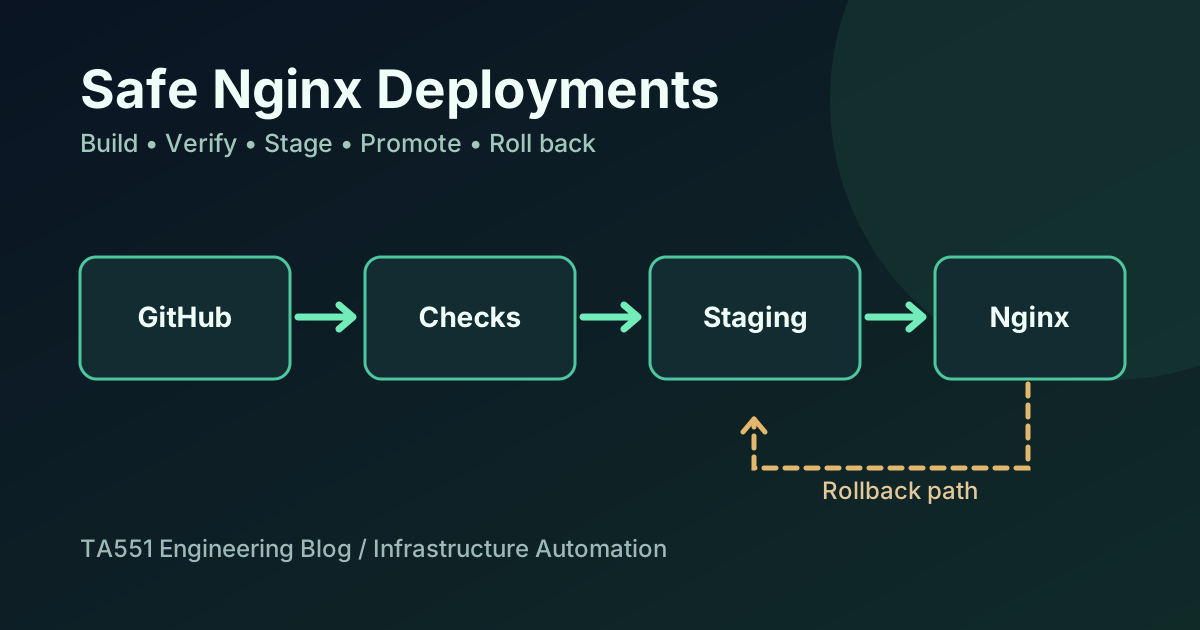
Safe Nginx Deployments with GitHub Actions and Rollback
An engineering case study of how I staged and verified a blog and portfolio update on a shared Nginx VPS without overwriting unrelated websites or API routes.
Automation
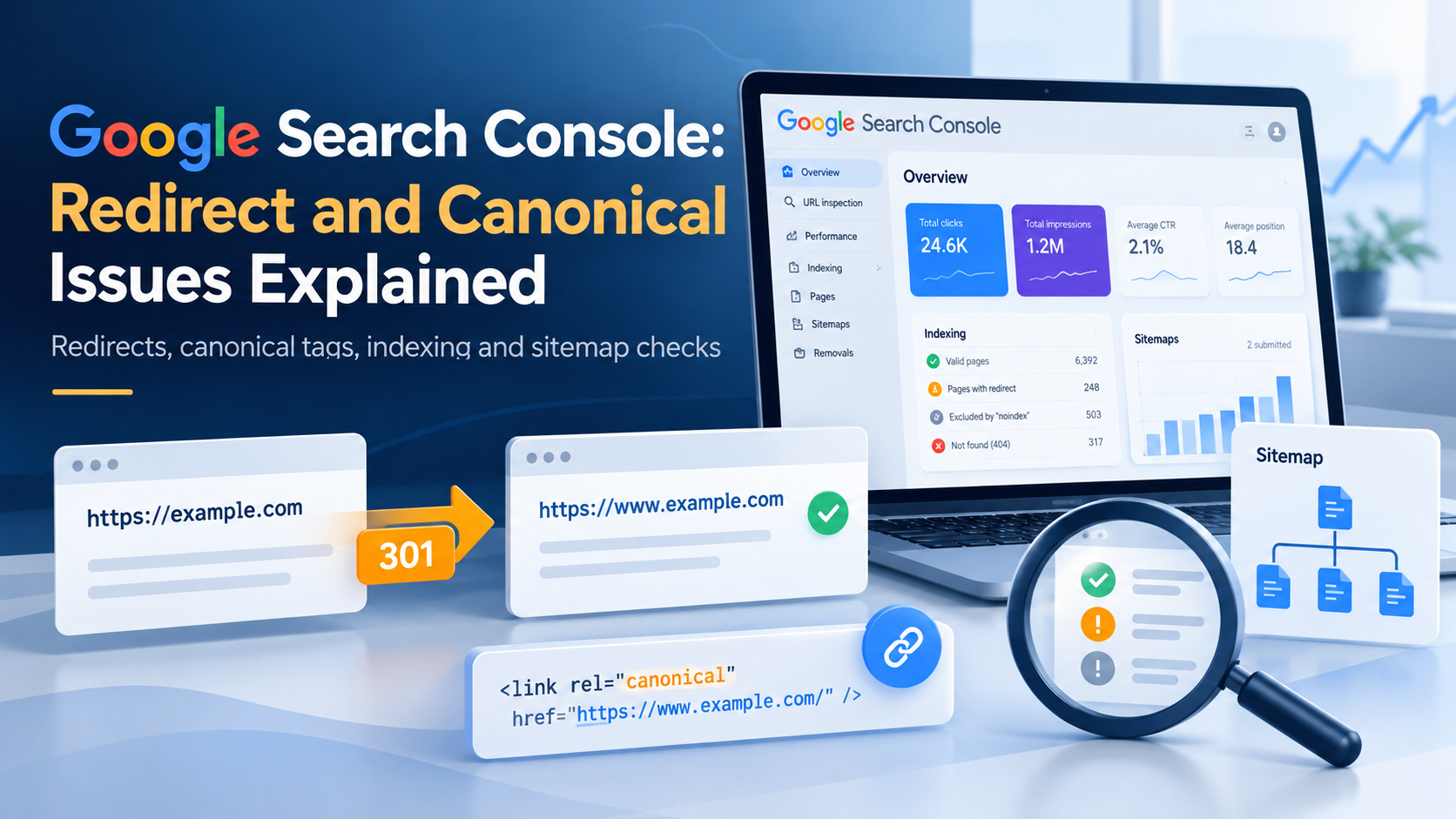
Google Search Console: Redirect and Canonical Issues Explained
How to interpret Page with redirect and Alternate page with proper canonical tag in Google Search Console, verify the affected URLs, and avoid unnecessary SEO changes.
Automation
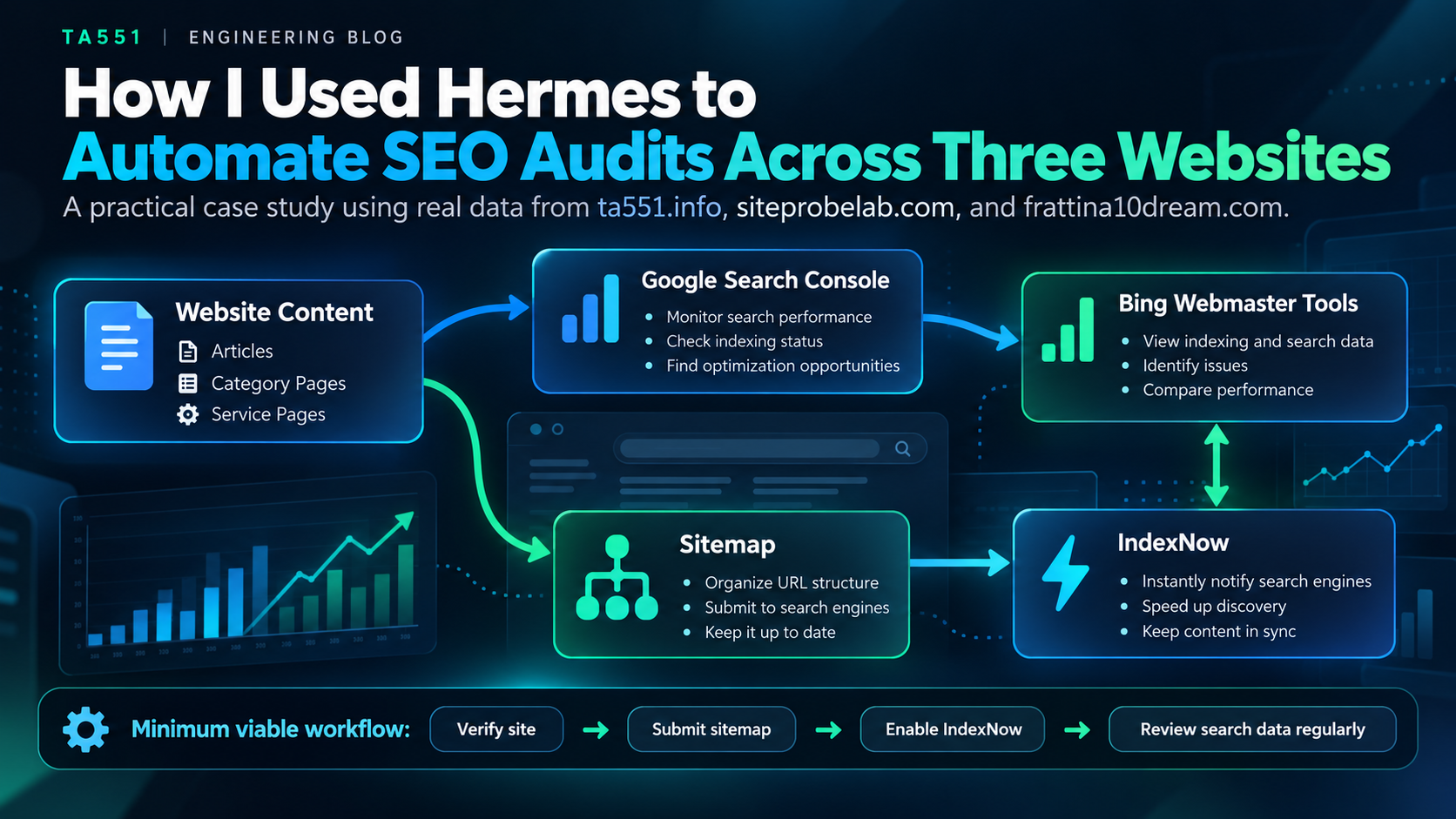
How I Used Hermes to Automate SEO Audits Across Three Websites
A real-world read-only SEO audit workflow using Hermes and SEO MCP to compare sitemaps, URL indexing, and search visibility across three websites.